Record the sale and finish the item
During beta, connected sale signals may surface automatically. You can always record a sale manually when a marketplace signal is unavailable.
05
What to do
- 1
Open the sale alert or item
Review the matched item and marketplace. If there is no alert, open Inventory and choose Mark sold.
- 2
Confirm the sale details
Check quantity, sold price, fees, and the matched listing before saving.
- 3
Review other listings
If the same physical item is listed elsewhere, use the review queue to open and remove those listings. You keep the final removal action.
- 4
Check the result
The item status, revenue, profit, and listing history should now reflect the completed sale.
- 5
Share the scorecard, if you want
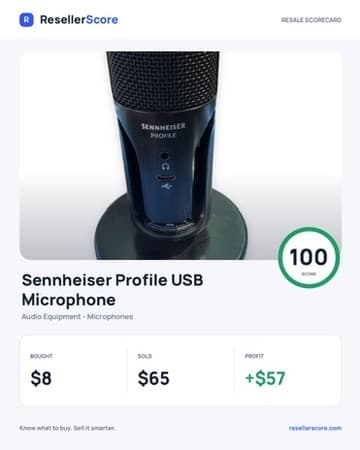
Create a ResellerScore scorecard from the sold item to share its photo, purchase price, sale price, profit, and score.
You are done when
The inventory item is sold, profit is recorded, and any remaining marketplace listings have been reviewed.